Contents:
polonaexplorer is a Python library designed to explore the Polona corpus - a Polish historical newspaper collection. It provides functionality to search for specific words within the corpus and extract relevant text data for further analysis or visualization.
Key Features
Search for target words in the Polona corpus
Extract text regions or complete pages containing target words
Generate structured dataframes for analysis
Perform topic modeling using BERTopic
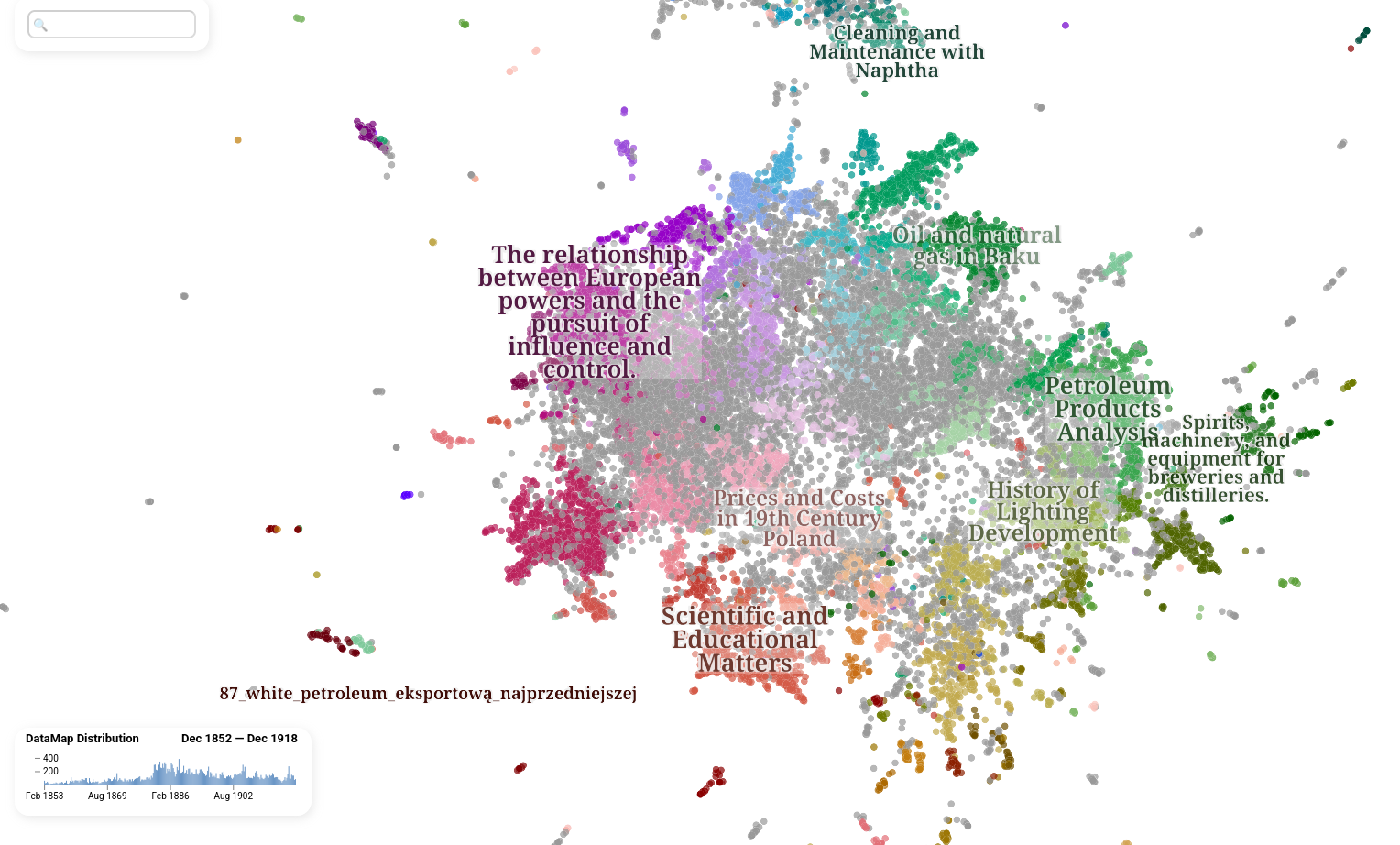
Create interactive visualizations of topic distributions
Support for LLM-based topic naming
Getting Started
Installation
Install the package using pip:
pip install polonaexplorer
Or for development:
pip install -e .
Usage
The typical workflow has two stages: first, use PolonaExplorer
to find and extract text from the corpus, then use Plotter
to perform topic modeling and visualization.
1. Initialize the explorer
Create a PolonaExplorer instance with the target words
you want to search for. The explorer automatically generates all morphological forms
of each word using the Morfeusz2 Polish morphological analyzer:
from polonaexplorer.explorer import PolonaExplorer

explorer = PolonaExplorer(
    targetwords=["naród", "wolność"],
    data_path="/path/to/polona2/corpus",
    out_path="/path/to/output",
    metadata_file_path="/path/to/metadata.json",
    part="region",  # or "page"
)
The part parameter controls the extraction mode:
"page": collects full page texts that contain at least one target word. Produces a CSV file listing matching file paths."region": extracts individual text regions (from PAGE XML) around each target word, plus per-word frequency statistics. Produces two JSON files (word_stats.jsonandword_surroundings.json).
2. Generate the file list and word statistics
Scan the corpus for all occurrences of the target words:
explorer.get_file_stats()
Depending on the part mode, this creates:
part="page":files_with_target_words.csvin the output directory.part="region":word_stats.json(word frequencies per file) andword_surroundings.json(extracted text regions) in the output directory.
The search runs in parallel across all available CPU cores.
3. Generate the merged dataframe
Combine the extracted texts with publication metadata (date, title, publisher, etc.):
result_path = explorer.generate_dataframe()
This produces a JSON Lines file (e.g. polona_matching_text_region.json)
that merges the text data with the metadata from the archive.
4. Visualize with topic modeling
Pass the generated dataframe to the Plotter
for topic modeling and interactive visualization:
from polonaexplorer.plotter import Plotter

plotter = Plotter(
    data_path="/path/to/output/polona_matching_text_region.json",
    out_path="/path/to/output",
    year_range=(1890, 1920),
)
plotter.plot()
This runs the full pipeline: embedding generation, UMAP + HDBSCAN clustering, BERTopic fitting, LLM-based topic labeling (via a local Ollama instance), and produces an interactive HTML datamap.